The Mac VPN in your menu bar
NE.VPN for macOS is a free VPN client: one button, subscriptions from any provider and the same profiles as on Android. A Liquid Glass window and an “ne” icon in the menu bar.
macOS 15 Sequoia, 26 Tahoe and 27 · Apple silicon and Intel
Every file: installer, disk image, archive and SHA-256 sums
-
Installer (.pkg)
54 MB
15aa1afeaea7e45b0dc9adeeb2c19f0bd13b723f0545a3952e4f9e0bbe33fcec -
Disk image (.dmg)
55 MB
e463ab4aa81206dc36e88a53da178a34caa22b9e288be75a4b966278886aebca -
Update archive (.zip)
54 MB
b8ba6ec4320cefc2d3eee0ec12bc87d43521932482789d3d7f35e94f4d269c8f
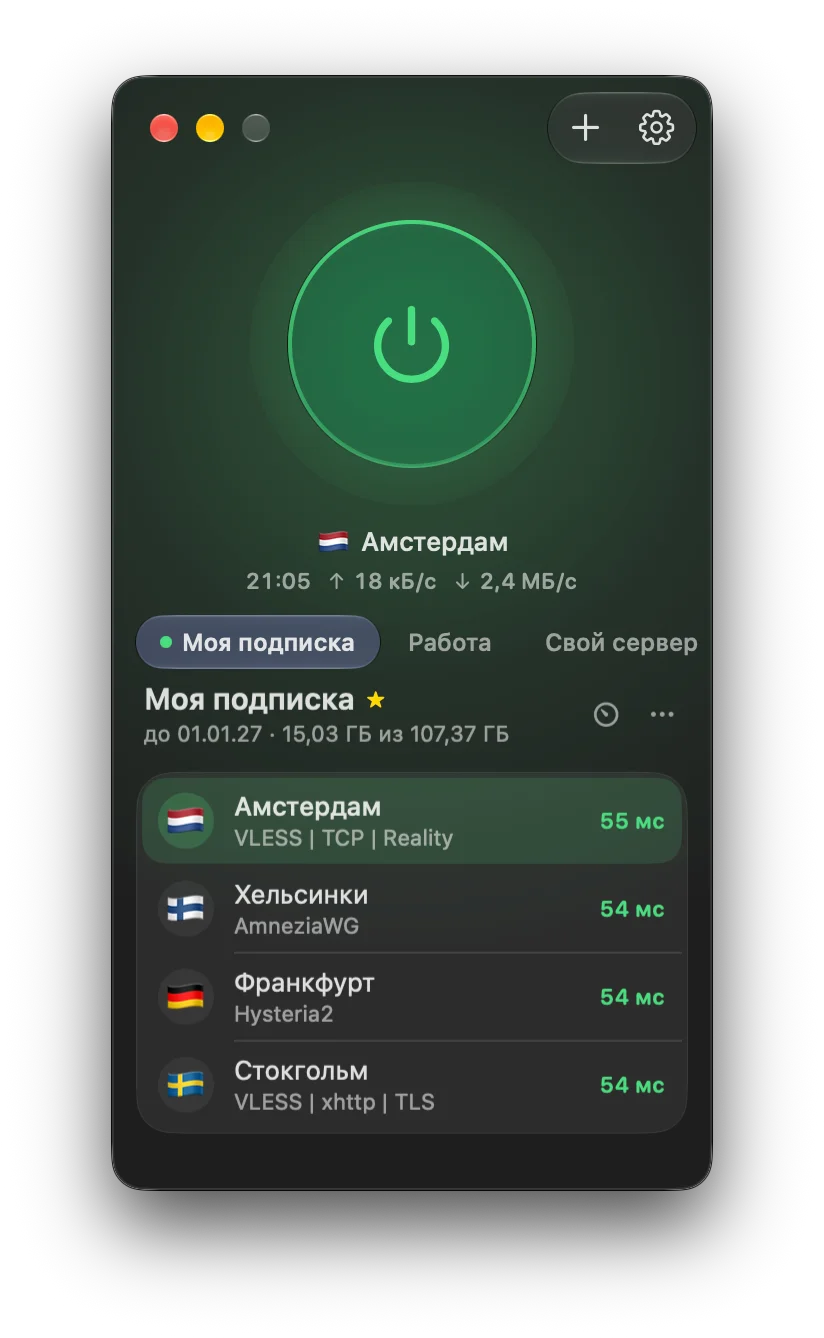
What it looks like
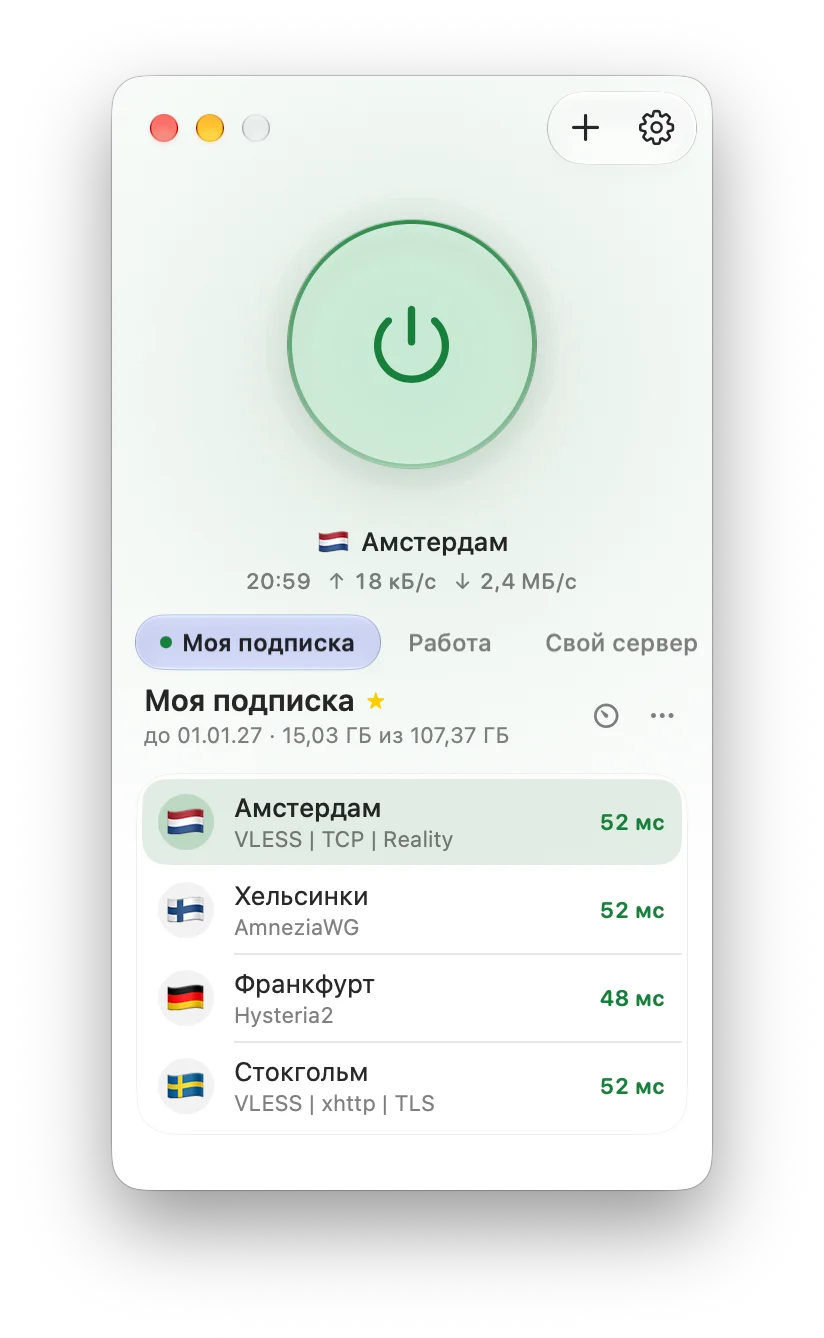
The light theme follows the system
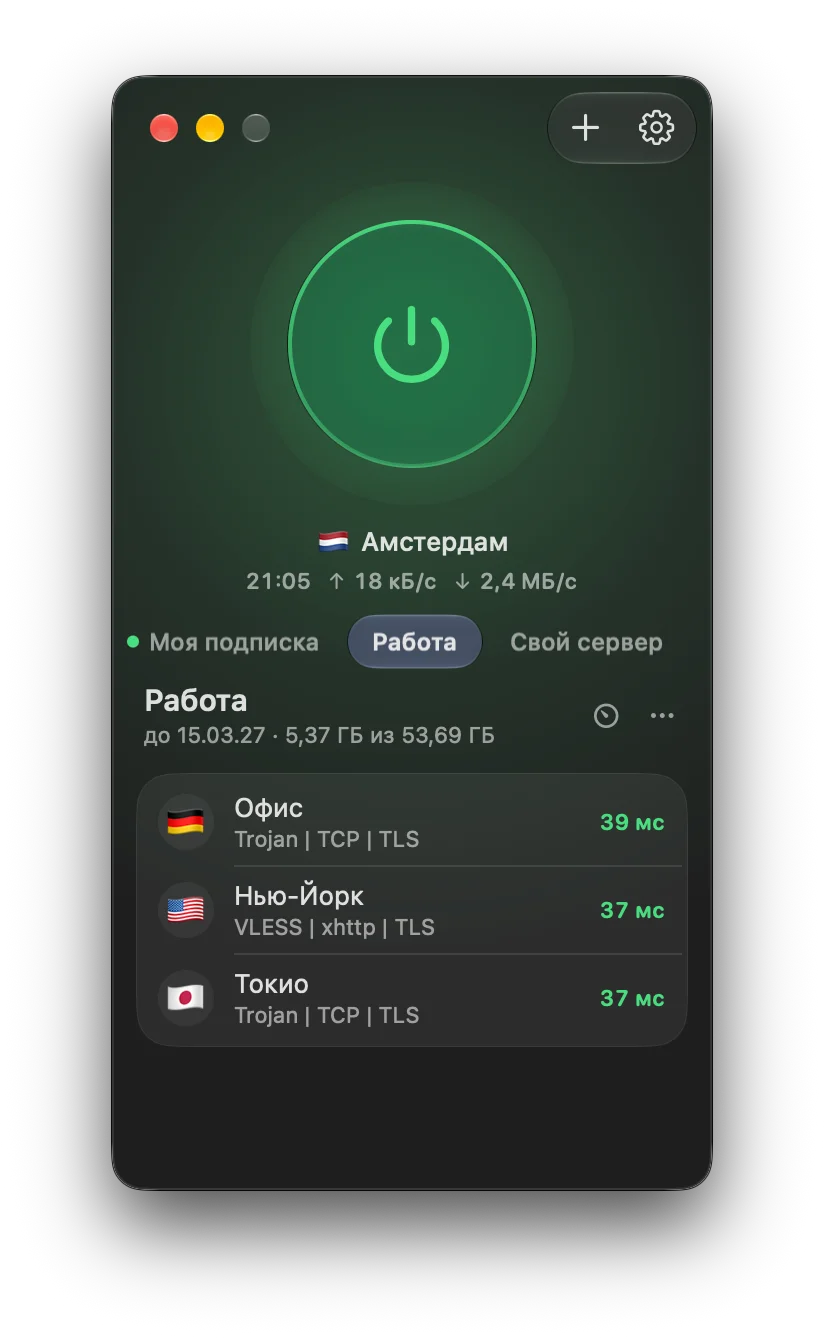
Several subscriptions as tabs
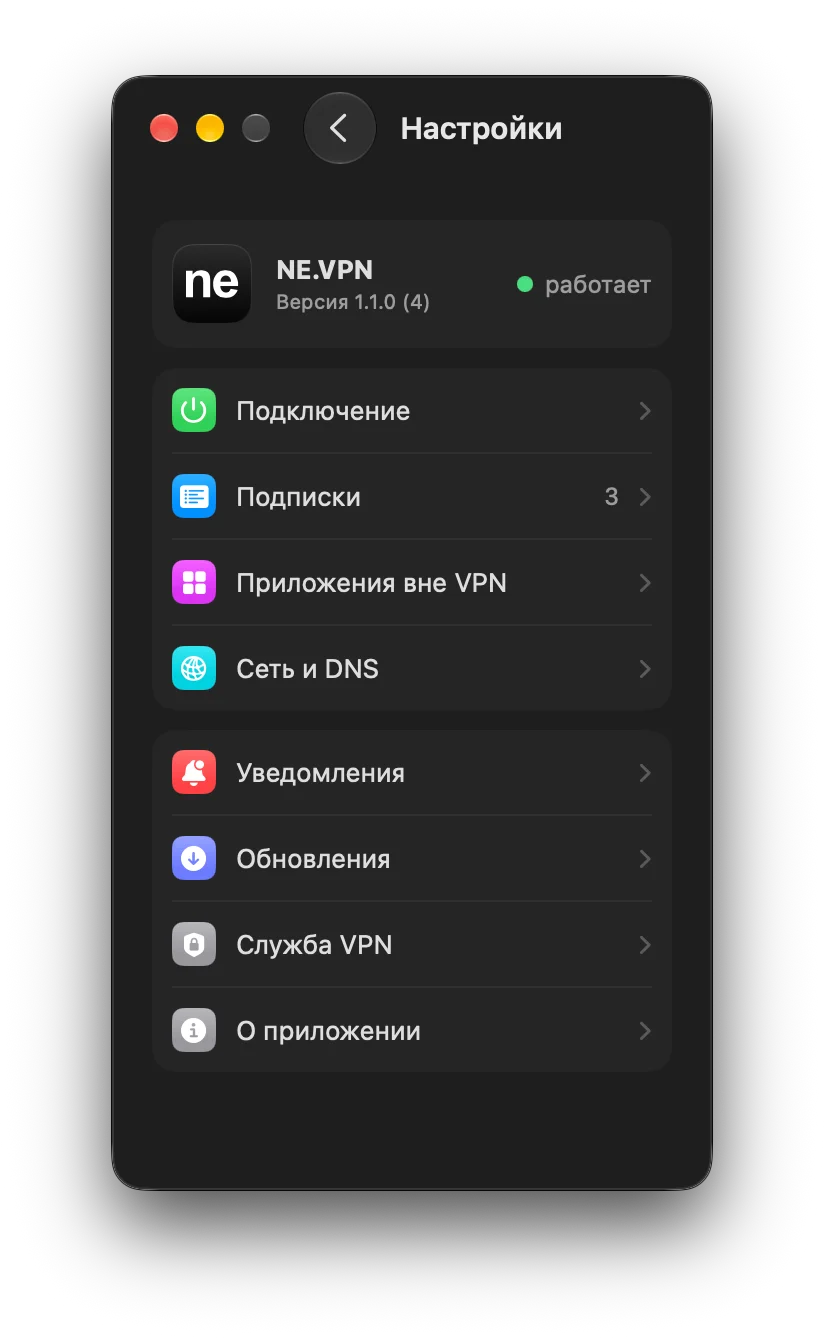
Settings inside the window
What NE.VPN for Mac does
Menu bar
Connect, switch profiles and see the ping from the “ne” icon at the top of the screen. Switch the Dock icon off and it shows only while the window is open.
Any subscription
Any provider's subscription link, single links, an Amnezia vpn:// key or a .conf file. As many subscriptions as you like.
Subscriptions as tabs
Swipe the tabs with two fingers, switch with ⌃⇥ or ⌘1…9, reorder by dragging. Pull the list down to refresh a subscription.
Whitelist lockdowns
OpenFlux profiles work on the Mac too: when the direct path is closed, the channel falls back to another by itself. Handy when the Mac shares a phone's connection.
Russia stays outside
Russian sites and addresses open directly, outside the VPN, and never see the server's address. Banks and Gosuslugi keep working with the VPN on.
Renew from the app
Your provider's page inside the app: renewal, account and support. The app reminds you before a subscription runs out.
Updates itself
Checks for new versions and installs them in one click, only when signed by the same developer.
Ping to every server
See the latency before you connect; once connected, speed and time on one line.
Installing on a Mac
macOS 15 Sequoia, 26 Tahoe and 27 · Apple silicon and Intel
Download the installer
“Download for Mac” gets the .pkg file. One file for Apple silicon and Intel.
Open it
If macOS says it cannot check the installer: System Settings → Privacy & Security → Open Anyway. This is needed once.
Allow the service
NE.VPN goes to Applications and opens by itself. On the first connect macOS asks you to switch NE.VPN on in Login Items & Extensions.
Add a subscription
Click “+”, paste a subscription link or key and connect. After that the app updates itself.
Every version is signed with one key. Android will not install an APK with another signature over the app, so an update cannot be swapped. The Mac app installs an update only when it is signed by the same developer.
Questions
Which Macs does it run on?
Any Mac with macOS 15 Sequoia, 26 Tahoe or 27, Apple silicon (M1 and later) or Intel. One installer for both.
macOS says it cannot check the installer
That is how macOS greets apps from outside the App Store. Open System Settings → Privacy & Security, click Open Anyway next to NE.VPN, then open the file again. This is needed once: updates install without asking.
Why does NE.VPN ask to be allowed in Login Items & Extensions?
A VPN on the Mac runs as a system service: it brings the tunnel up and sends DNS through it. macOS asks to allow it once, on the first connect.
Which subscriptions work?
The same as on Android: any provider's subscription link or your own server's on 3x-ui, Marzban or Remnawave, VLESS, VMess, Trojan, Shadowsocks, Hysteria2, TUIC, AnyTLS, AmneziaWG, WireGuard and OpenFlux links, a vpn:// key or a .conf file.
What is the difference between the .pkg and the .dmg?
The .pkg installer puts NE.VPN in Applications and opens it: one macOS approval. With the .dmg you drag the app yourself and macOS asks twice. It is the same app inside.
Is it free?
Yes. It is a client: the servers and the subscription come from a provider or your own server.
How do I remove it?
Disconnect, quit NE.VPN and drag it from Applications to the Bin. The service can be switched off in System Settings → General → Login Items & Extensions.
On Android too
The same client for phones and tablets on Android 8.0 and later: an APK from GitHub that updates itself.